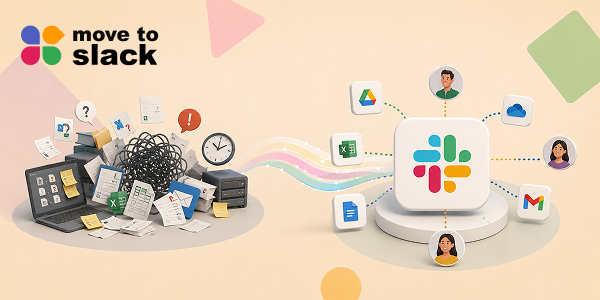
Slack has become an important collaboration platform for businesses where teams manage conversations, projects, files, and daily workflows. Over time, these workspaces become a complete record of business communication that companies cannot afford to lose.
But when organizations decide to switch platforms or upgrade their collaboration environment, moving years of data becomes a major challenge. Messages, channels, files, users, and history all need to move properly without creating confusion.
This is where a reliable Slack migration solution becomes important. In this blog, we will explore how Move to Slack helps businesses simplify the migration journey while keeping their valuable workspace data secure and intact.
What Is Move to Slack?
Move to Slack is an enterprise migration solution built for businesses that want to migrate to Slack without the usual stress of manual migrations.
Whether you’re migrating from Teams, moving from Google Chat, consolidating Slack workspaces, or even looking for a Discord alternative that’s better suited for business collaboration, the platform helps move your conversations, files, channels, users, and history together, not piece by piece.
Additionally, the entire Slack migration process runs in a structured and secure way. Therefore, instead of worrying about missing data or broken conversations, your team can simply focus on getting started in Slack with everything already in place.
Move to Slack: Built for Enterprise Migrations That Actually Feel Simple
Moving thousands, or even millions, of messages manually just isn’t practical anymore. Therefore, a structured migration platform makes all the difference. Instead of exporting data, fixing broken conversations, and hoping everything imports correctly, businesses can automate the entire Slack migration process while keeping their existing workspace structure intact.
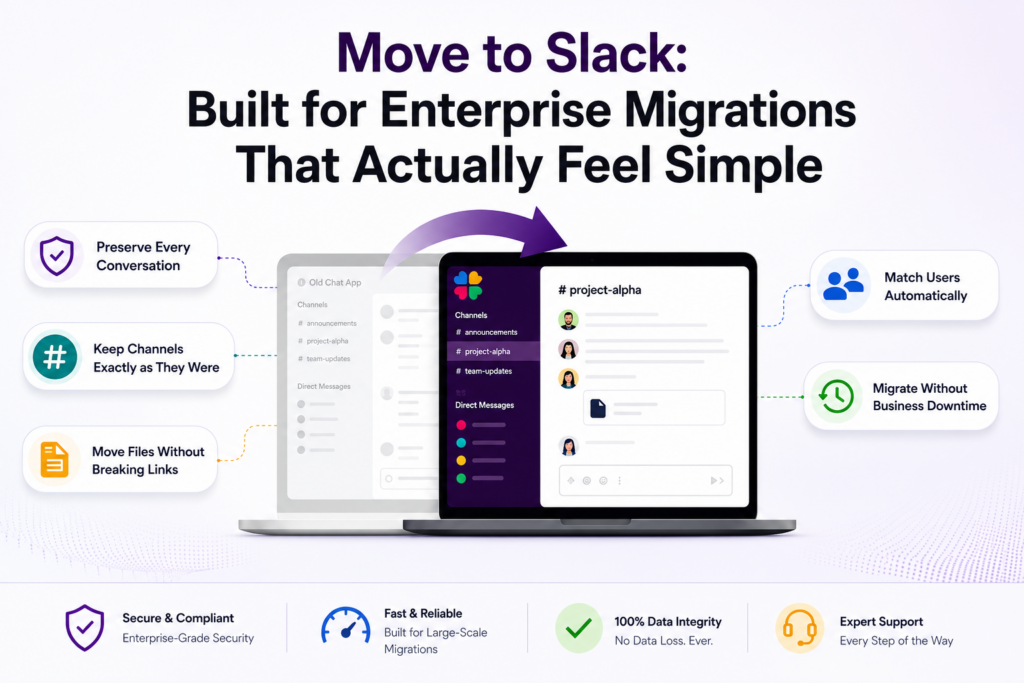
Some of the capabilities include:
- Complete workspace migration
- Messages and threaded conversations
- Public and private channels
- Direct messages and group chats
- Files and attachments
- User mapping
- Original timestamps
- Emoji reactions and mentions
- Channel permissions
- Real-time migration tracking
- Background migration with zero downtime
- Migration validation reports
Ready to Move Without Leaving Anything Behind?
A successful Slack migration is about much more than copying messages from one platform to another. It means protecting years of collaboration, preserving team knowledge, and making sure everyone can continue working without unnecessary interruptions.
If you’re planning to migrate to Slack from your current platform, Move to Slack helps simplify the entire journey through secure automation, intelligent user mapping, complete workspace migration, and enterprise-grade validation.
Instead of worrying about missing conversations or broken files, your team can focus on what actually matters, collaborating from day one with every message, channel, and file exactly where it should be.
Frequently Asked Questions
Yes. A structured migration keeps channels, conversations, permissions, and users organized. Move to Slack maintains workspace consistency, allowing employees to continue collaborating without rebuilding their Slack environment after migration.
Successful migrations should include validation of users, channels, files, conversations, and permissions. Move to Slack provides migration verification, helping organizations confirm workspace accuracy before employees begin working in Slack.
Large organizations benefit from automated migration workflows that preserve collaboration data at scale. Move to Slack supports enterprise teams to Slack migration while maintaining consistency across users, channels, and shared content.
Background migration, proper planning, and validated data help maintain business continuity. Move to Slack enables organizations to transition smoothly while employees continue working until the final migration is complete.
Enterprise migrations demand scalability, accuracy, security, and complete data preservation. Move to Slack delivers a reliable migration experience that helps organizations confidently migrate to Slack without compromising collaboration history.